Issue-driven development with AI for solo developers

One Team

A local web app that helps you move work from issue creation to requirements, implementation, pull request review, and QA with AI agents.

A GitHub-like AI workflow that stays local

One Team works with a single Git repository on your machine. It stores issues, pull requests, comments, labels, agent jobs, and activity logs locally so you can see what the AI is doing.

Issue

Capture work as issues

Write requests, bugs, or improvements in Markdown. Labels can trigger requirements and implementation jobs.


Pull Request

Review local pull requests

Compare the implementation branch with main, inspect commits and files, and keep the linked issue nearby.

Agent Job

Track AI execution

Follow Codex CLI results, changed files, verification commands, errors, and Human Gate questions.

How It Works

The core flow starts from an issue, hands the next step to an AI agent, and ends with a pull request you can inspect.
  1. 1. Register a repository Use Setup to import a Git repository, configure Codex CLI, and save detected commands.
  2. 2. Create an issue Describe the work and use the requirements label to start requirements clarification.
  3. 3. Let AI implement and verify The implementation agent creates a branch, changes files, runs checks, and opens a local pull request.
  4. 4. Review and merge Read review and QA results, inspect the diff, and perform the final merge yourself.

Key Screens

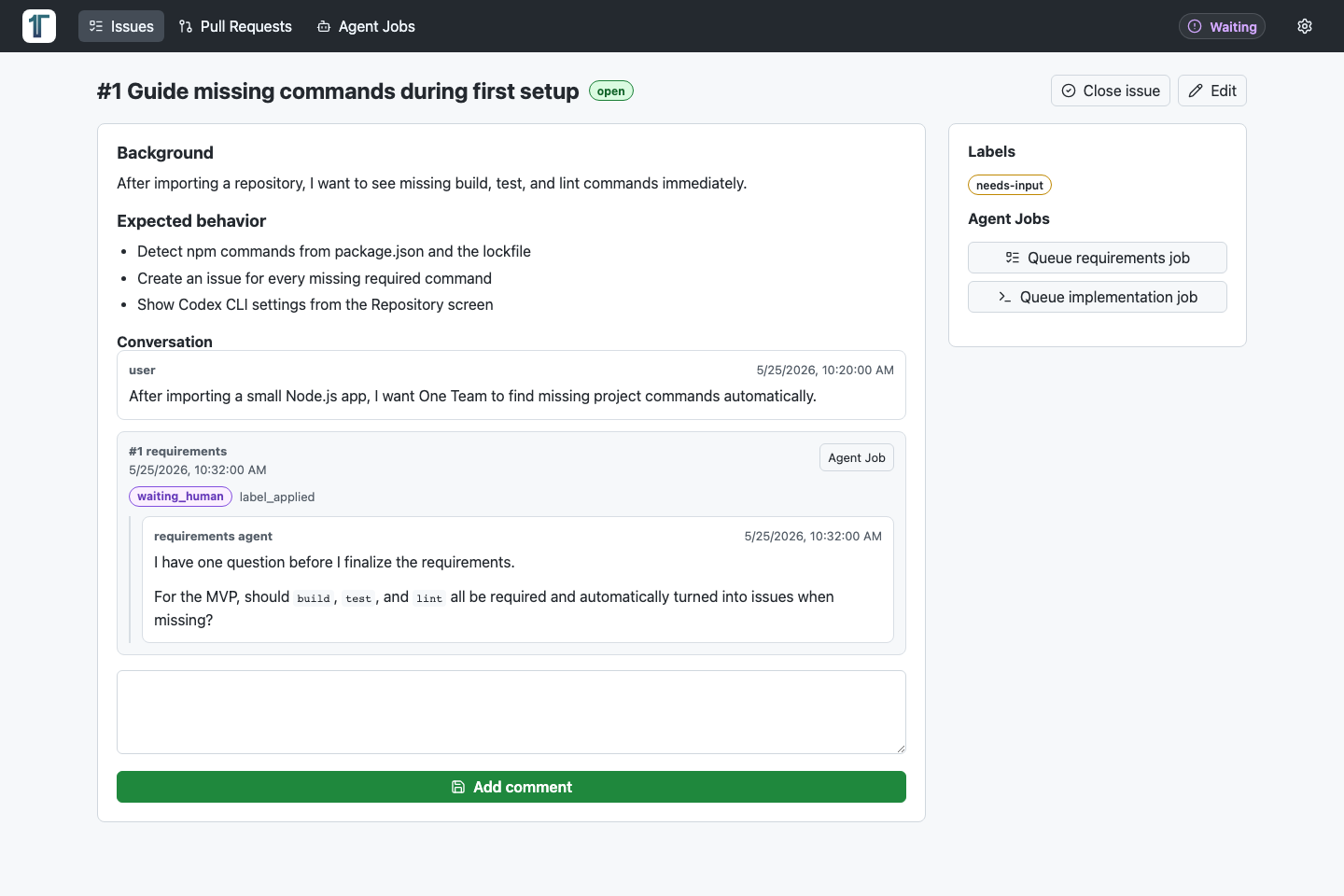
Issue detail
Requirements, comments, agent jobs, and Human Gate questions are visible in the same workflow.
One Team issue detail screen showing the body, conversation, AI question, labels, and agent actions.
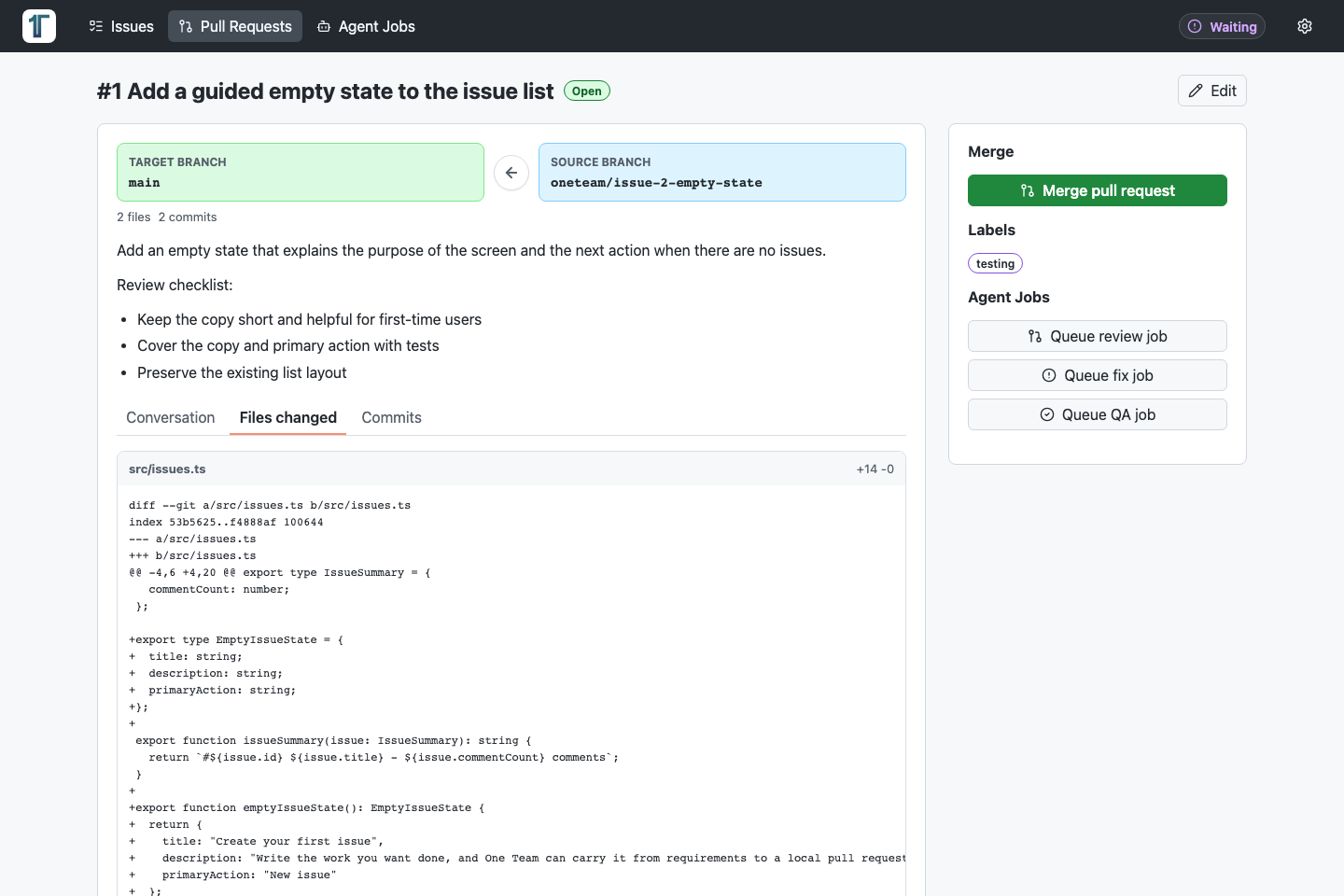
Pull request diff
Compare source and target branches, then inspect changed files, diffs, and the linked issue.
One Team pull request screen showing branch comparison and changed file diffs.
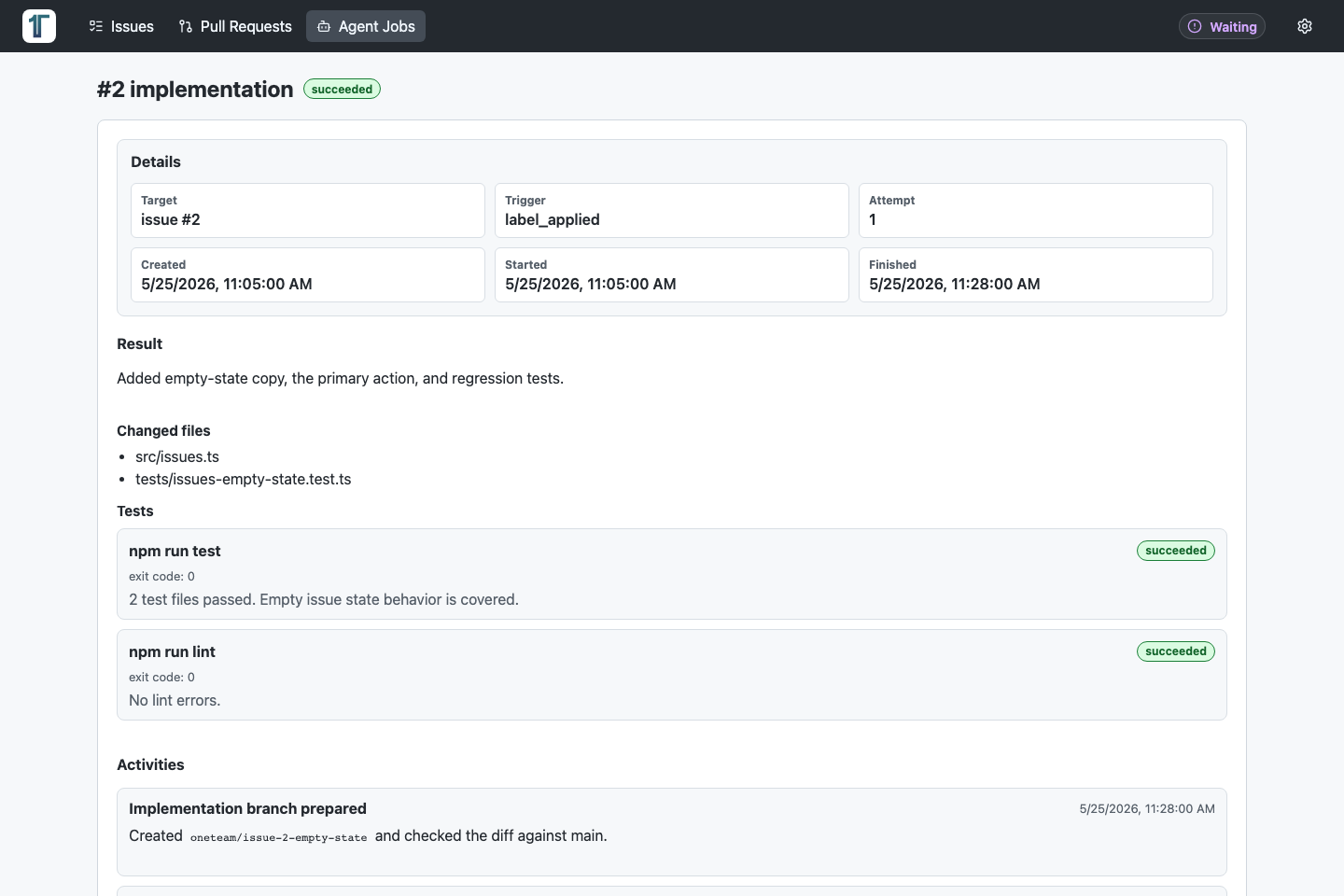
Agent job detail
See what the AI changed, which checks ran, and what happened during execution.
One Team agent job detail screen showing implementation output, changed files, tests, and activity log.
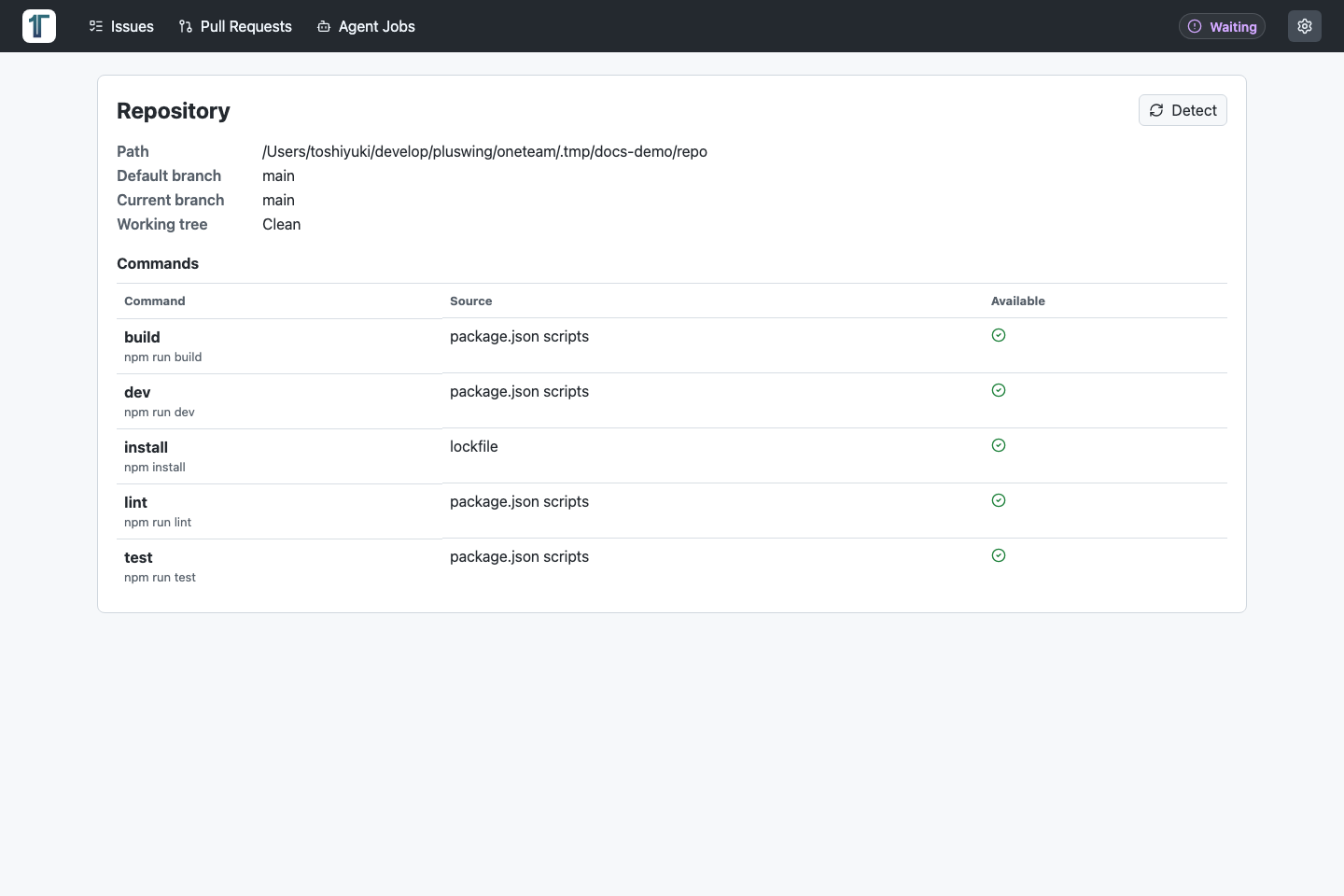
Repository
Check detected build, test, and lint commands alongside the current Git state.
One Team repository screen showing repository path, current branch, working tree state, and detected commands.

Run It Locally

One Team runs with Node.js, npm, git, and Codex CLI authentication. This GitHub Pages site is only the product overview; the app itself runs on your machine.

  1. Install dependencies and log in to Codex CLI.
  2. Run npm run dev to start the API and Vite UI.
  3. Open http://127.0.0.1:3579 and register a repository from Setup.
  4. Create an issue, then use labels or agent actions to hand work to AI.
  • npm install
  • npm run codex:login
  • npm run dev
  • open http://127.0.0.1:3579